> For the complete documentation index, see [llms.txt](https://docs.wproofreader.com/llms.txt). Markdown versions of documentation pages are available by appending `.md` to page URLs; this page is available as [Markdown](https://docs.wproofreader.com/v6.18.1/admin-panel/self-hosted/team.md).
# Team
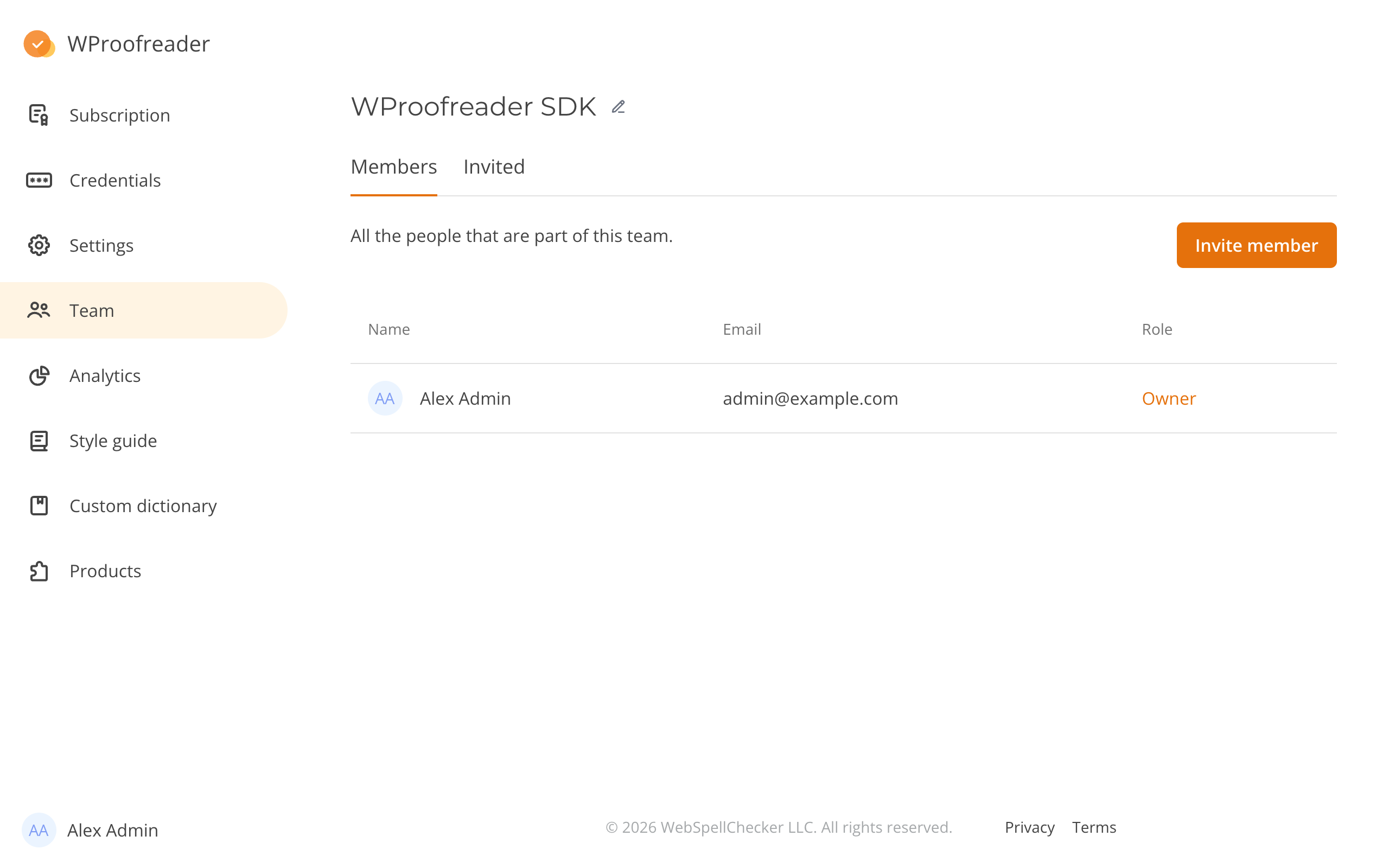
Use **Team** to manage members and invitations for the selected team. The owner and administrators can invite members, change roles and set member passwords.
The tabs show:
* **Members**: each member's name, email address and role.
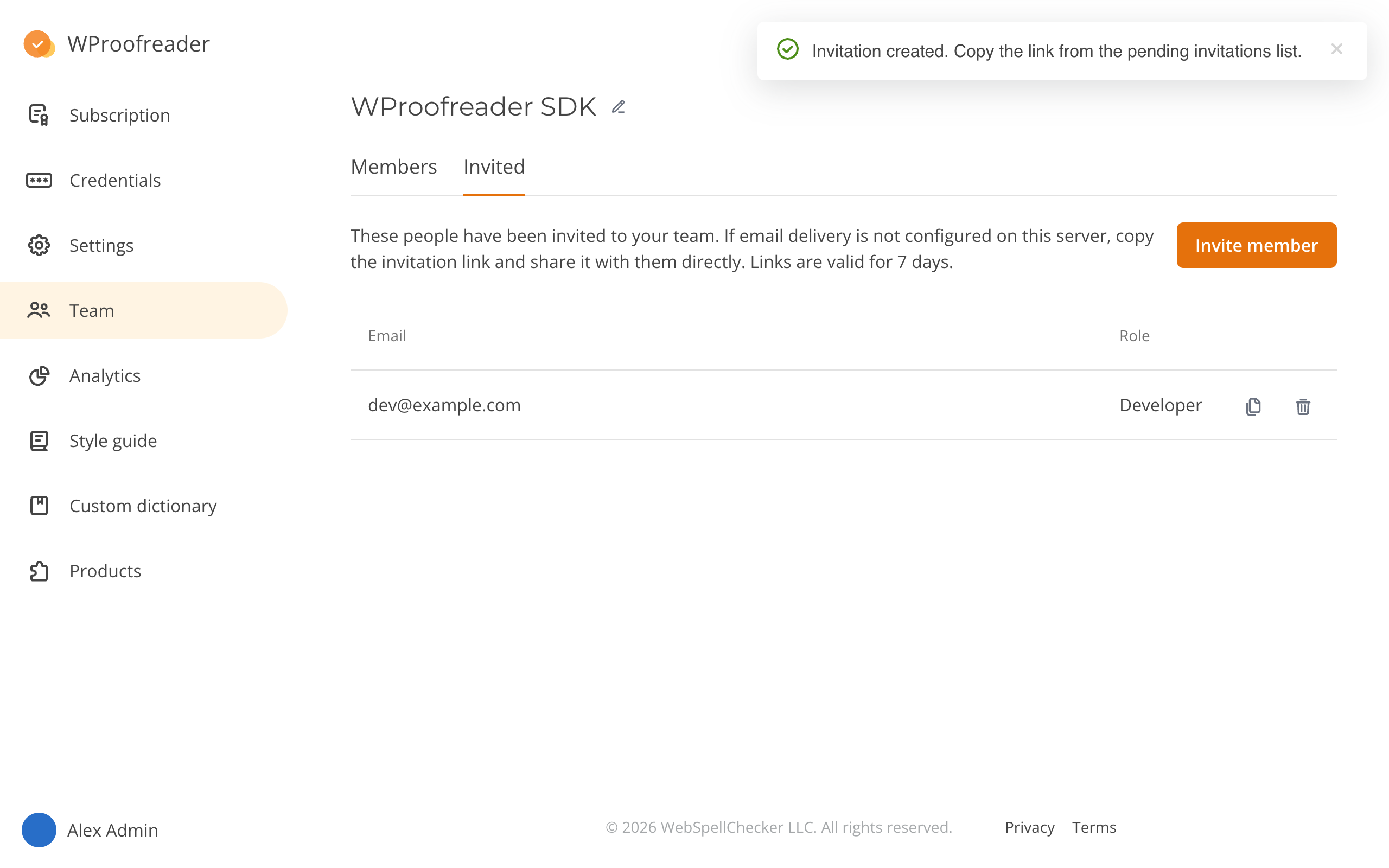
* **Invited**: pending invitations and their assigned roles.
The owner and administrators can open both tabs. Developers can view **Members**. Members with the **User** role cannot open **Team**.
For role permissions, see [Roles](/v6.18.1/admin-panel/self-hosted.md#roles). An empty **Invited** tab shows "There are no pending invitations."
When a member limit applies, the page shows used capacity and the limit. The owner does not count toward the limit. By default, invitations created within the last 14 days count, even after their links expire. Cancel unused invitations to release their capacity.
**Invite member** is unavailable when the limit is reached or the license blocks access. Other member controls are also unavailable while access is blocked.
### Inviting a member
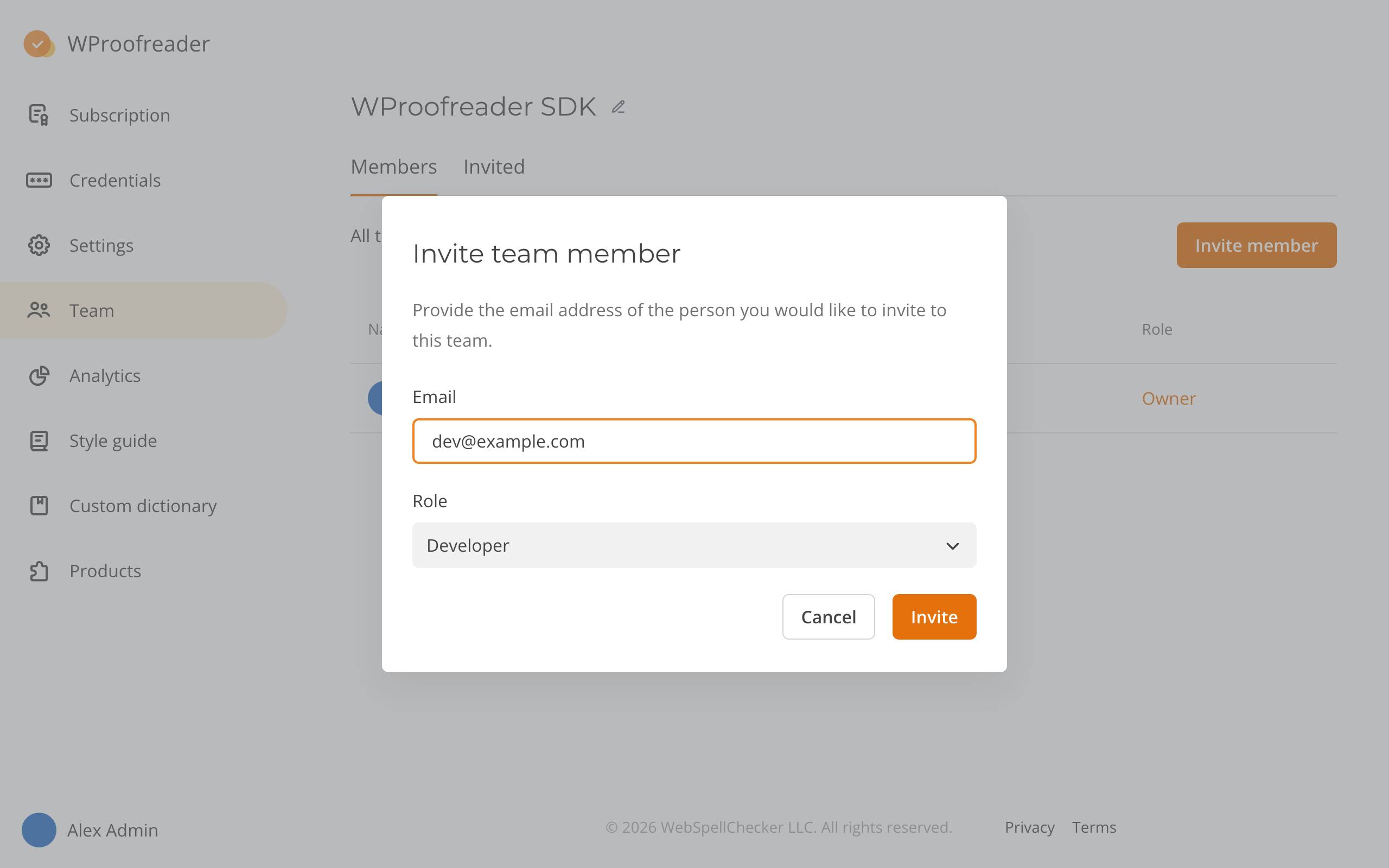
SDK and SCAYT teams offer **Administrator** and **Developer**. Business teams offer **Administrator** and **User**.
1. On **Team**, click **Invite member**.
2. Enter the person's email address in **Email**.
3. Select a role in **Role**.
4. Click **Invite**.
**Invite** is unavailable until you enter an email address and select a role.
What happens next depends on whether the server can send email:
* With email, the admin panel shows "An invitation has been sent." The recipient gets the invitation link by email.
* Without email, it shows "Invitation created. Copy the link from the pending invitations list."
If email is unavailable, [copy the invitation link](#copying-an-invitation-link) and share it with the invited person.
### Copying an invitation link
1. On **Team**, click **Invited**.
2. Click the copy icon (**Copy invitation link**) beside the invitation.
3. Send the link to the invited person.
The admin panel shows "Invitation link copied." A link is valid for seven days from invitation creation. Copying it does not extend that period.
A new member creates an account. An existing member signs in and opens the link again. See [Joining by invitation](/v6.18.1/admin-panel/self-hosted/sign-in.md#joining-by-invitation).
Expired invitations have no copy button. Cancel an expired invitation before inviting the person again.
To cancel an invitation, click the delete icon (**Cancel invitation**) beside it.
### Setting a password for a member
The owner and administrators can set another member's password. This action is available with or without email delivery.
1. On **Members**, click **Reset password** beside the member.
2. Enter a new password in **New password**.
3. Enter it again in **Confirm password**.
4. Click **Reset password**.
Use at least eight characters, including uppercase and lowercase letters. The admin panel shows "Password has been updated."
With [database session storage](/v6.18.1/admin-panel/self-hosted/server-configuration.md#sessions), the reset signs the member out of all sessions. Give the new password to the member securely.
You cannot reset your own password or the owner's password here. Change your own password in [Account settings](/v6.18.1/admin-panel/account-settings.md#changing-your-password).
The owner can use [email password reset](/v6.18.1/admin-panel/self-hosted/sign-in.md#resetting-your-password) when available. Otherwise, ask the server administrator to [reset it with a command](/v6.18.1/admin-panel/self-hosted/server-commands.md#reset-the-password-of-a-user).
### Other team actions
Changing a role, transferring ownership, removing a member and changing the team name work the same as in the Cloud admin panel. See [Team management](/v6.18.1/admin-panel/team-management.md).