> For the complete documentation index, see [llms.txt](https://docs.wproofreader.com/llms.txt). Markdown versions of documentation pages are available by appending `.md` to page URLs; this page is available as [Markdown](https://docs.wproofreader.com/v6.12.0/integrations/initialization/configuration-options/ui-elements/dialog.md).
# Dialog
#### Turn off the proofreading dialog
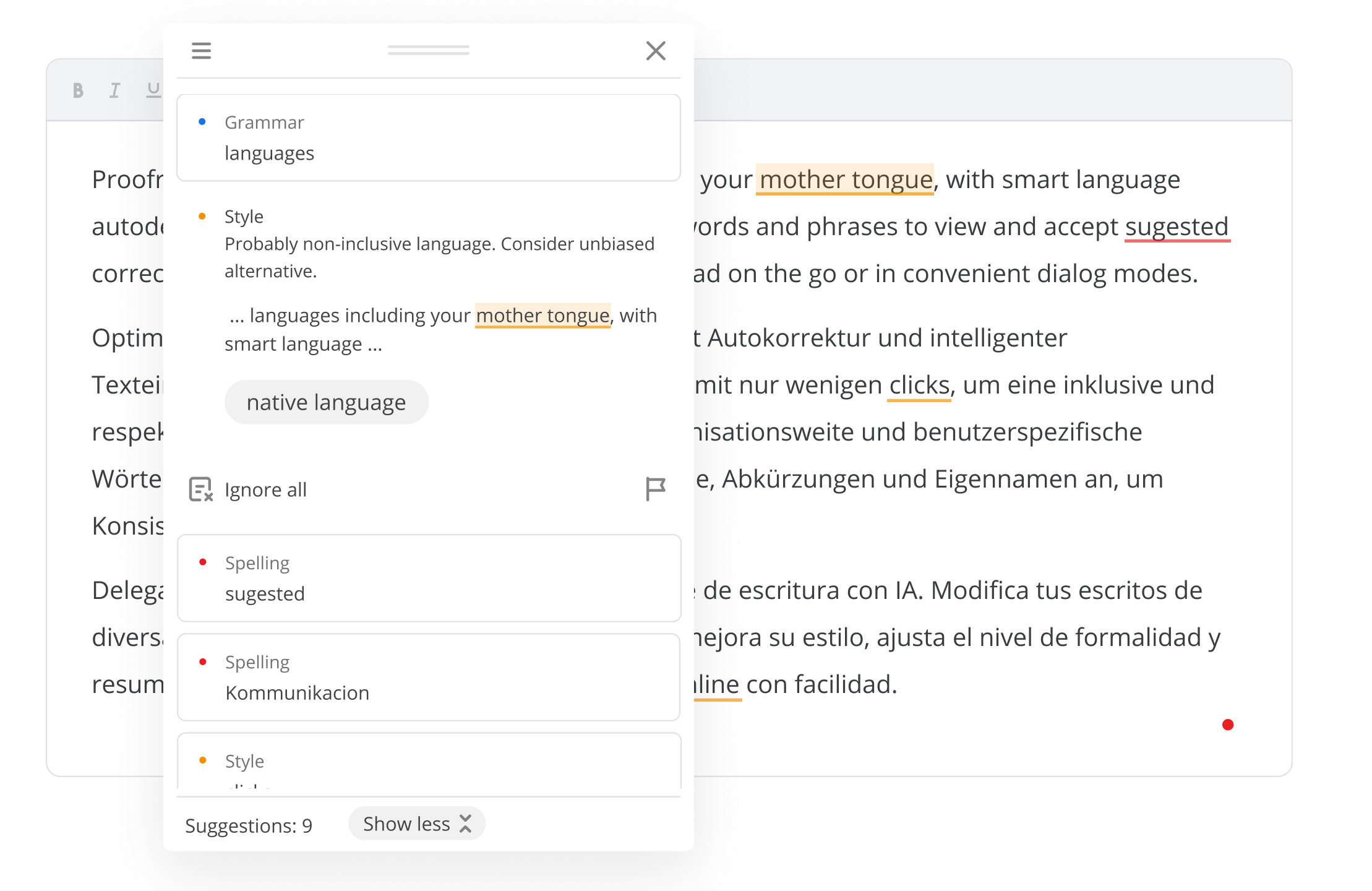
Disable the dialog-based proofreading mode by setting `disableDialog` to `true`. Proofreading will run only inline, and the "proofread in dialog" option will be unavailable. By default, the dialog is available.
```javascript
disableDialog: true
```
***
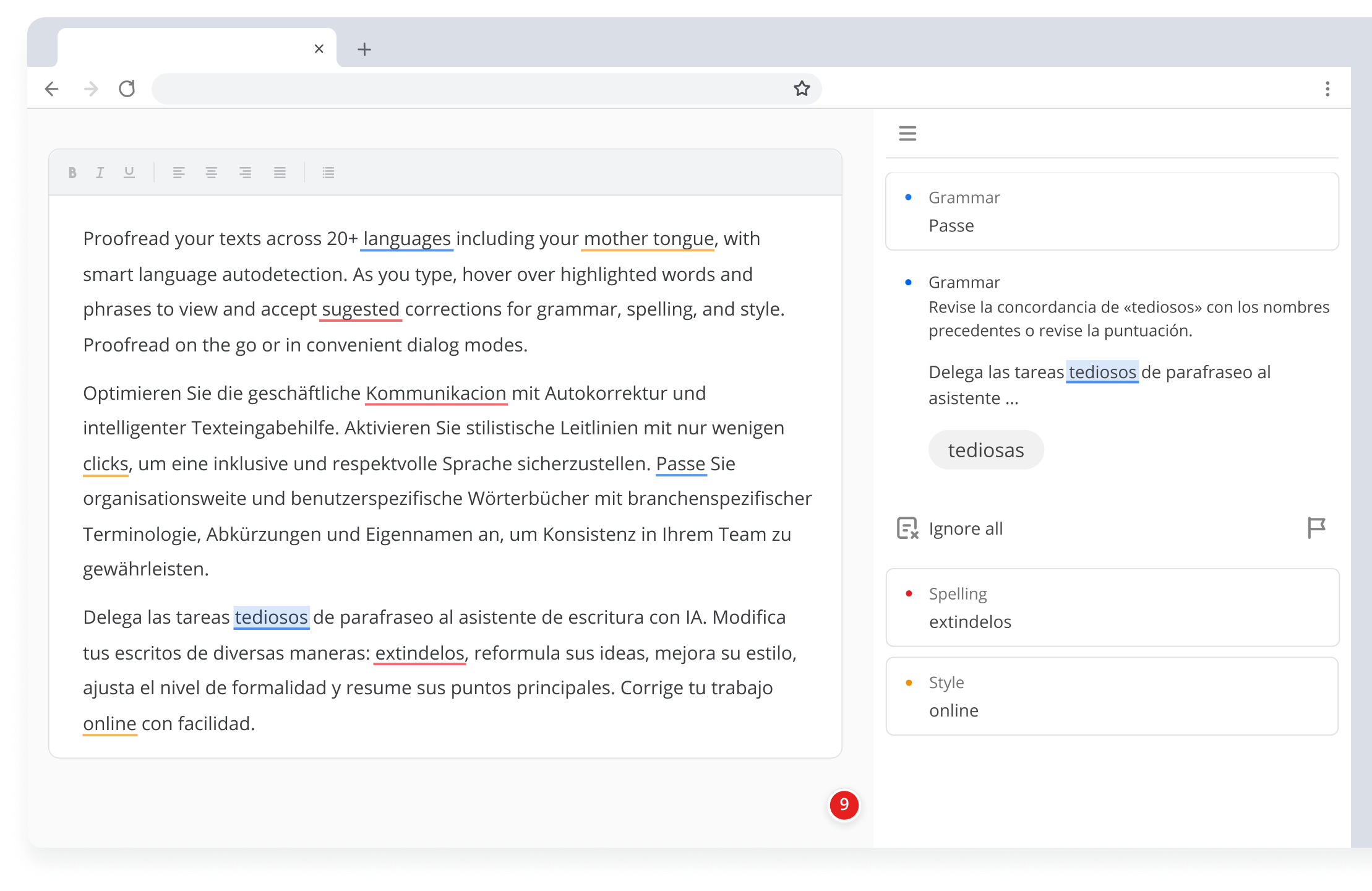
#### Embed the dialog in a sidebar
Place the dialog inside a reserved section of the interface with `proofreadDialogContainer`. By default, the dialog opens as a floating window.
```javascript
proofreadDialogContainer: '#sidebar-dialog'
```
{% hint style="info" %}
* This mode is useful when a sidebar or reserved area should display all suggestions in one place.
* Requires `globalBadge: true`.
* If the sidebar width differs from the default 340px, adjust `badgeOffsetX` and `badgeOffsetY` to position the badge accordingly.
* See the [sidebar demo](https://demos.webspellchecker.com/wproofreader-sidebar.html).
{% endhint %}
#### Show one dialog for all fields
Aggregate suggestions from all editable fields with `globalProofreadDialog` into a single **Proofread in dialog** window. This is enabled by default; set to `false` to open a separate dialog per field.
```javascript
globalProofreadDialog: true
```