> For the complete documentation index, see [llms.txt](https://docs.wproofreader.com/llms.txt). Markdown versions of documentation pages are available by appending `.md` to page URLs; this page is available as [Markdown](https://docs.wproofreader.com/v6.11.1/troubleshooting/client-side/spell-checker-wsc-dialog-plugin-for-ckeditor-4-stopped-working-incessant-loading-spinner.md).

# Spell Checker "WSC" dialog plugin for CKEditor 4 stopped working: incessant loading spinner

### Problem and symptoms <a href="#spellchecker-wsc-dialogpluginforckeditor4stoppedworking-incessantloadingspinner-problemandsymptoms" id="spellchecker-wsc-dialogpluginforckeditor4stoppedworking-incessantloadingspinner-problemandsymptoms"></a>

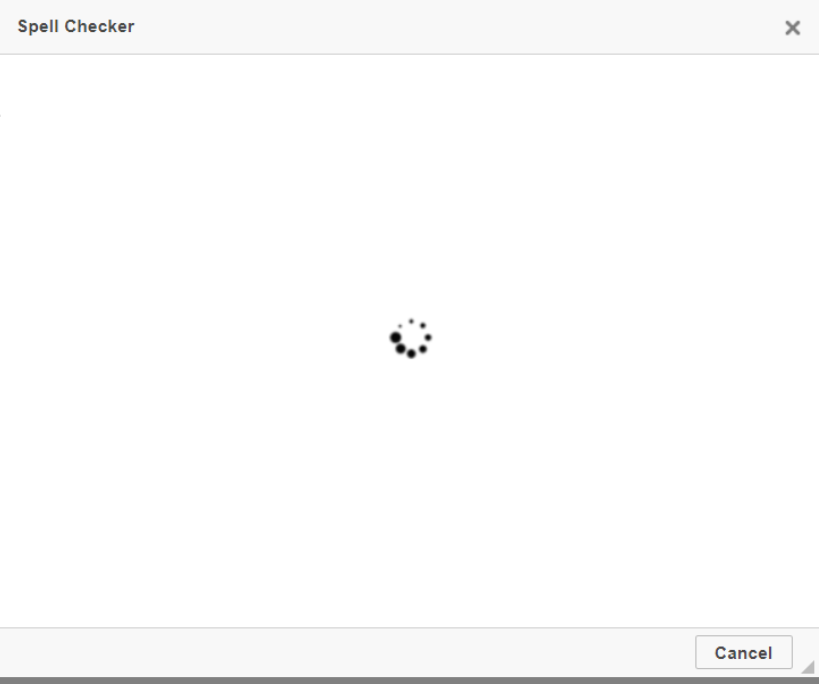
All of a sudden, starting January 10, 2022, the Spell Checker “WSC” dialog plugin stopped working despite the fact that previously it worked properly. As a result, you see an incessant loading spinner after clicking on the "Check Spelling" under the ABC button on the CKEditor 4 toolbar.

<figure><img src="/files/CBAzyaafyWTuhaNQgvmJ" alt=""><figcaption></figcaption></figure>

### Root cause <a href="#spellchecker-wsc-dialogpluginforckeditor4stoppedworking-incessantloadingspinner-rootcause" id="spellchecker-wsc-dialogpluginforckeditor4stoppedworking-incessantloadingspinner-rootcause"></a>

As it was [announced](https://webspellchecker.com/blog/2020/12/02/end-of-life-for-spell-checker-dialog-plugin-for-ckeditor-4/) more than a year ago, **effective January 10, 2022, the cloud-based version of the WSC plugin for CKEditor 4 was disabled (for both free and paid users)**. This is an official end-of-life (EOL) date of the plugin, it is deprecated and no longer supported.

Users that added WSC plugin to the CKEditor **config.js** file using the **extraPlugins** parameter or still using CKEditor lower than 4.16.0 where this plugin was built-in by default may face an issue with the loading spinner.

### Solution <a href="#spellchecker-wsc-dialogpluginforckeditor4stoppedworking-incessantloadingspinner-solution" id="spellchecker-wsc-dialogpluginforckeditor4stoppedworking-incessantloadingspinner-solution"></a>

To solve the issue, remove the WSC plugin from the **extraPlugins** parameter (if any) or disable it using the **removePlugins** parameter in the CKEditor **config.js** file:

```javascript
config.removePlugins = 'wsc';
```

Alternatively, instead of the WSC plugin, you can use the free version of the **SCAYT plugin** or commercial version of **WProofreader add-on for CKEditor 4**.
<br>


---

# Agent Instructions
This documentation is published with GitBook. GitBook is the documentation platform designed so that both humans and AI agents can read, navigate, and reason over technical content effectively. Learn more at gitbook.com.

## Querying This Documentation
If you need additional information that is not directly available in this page, you can query the documentation dynamically by asking a question.

Perform an HTTP GET request on the current page URL with the `ask` query parameter, and the optional `goal` query parameter:

```
GET https://docs.wproofreader.com/v6.11.1/troubleshooting/client-side/spell-checker-wsc-dialog-plugin-for-ckeditor-4-stopped-working-incessant-loading-spinner.md?ask=<question>&goal=<endgoal>
```

`ask` is the immediate question: it should be specific, self-contained, and written in natural language.
`goal` is optional and describes the broader end goal you are ultimately trying to accomplish on behalf of the user. GitBook uses it to tailor the answer towards what is most useful for that goal.

The response will contain a direct answer to the question and relevant excerpts and sources from the documentation.

Use this mechanism when the answer is not explicitly present in the current page, you need clarification or additional context, or you want to retrieve related documentation sections.
