> For the complete documentation index, see [llms.txt](https://docs.wproofreader.com/llms.txt). Markdown versions of documentation pages are available by appending `.md` to page URLs; this page is available as [Markdown](https://docs.wproofreader.com/faq/technical/languages/how-to-change-the-list-of-languages.md).
# How to change the list of languages?
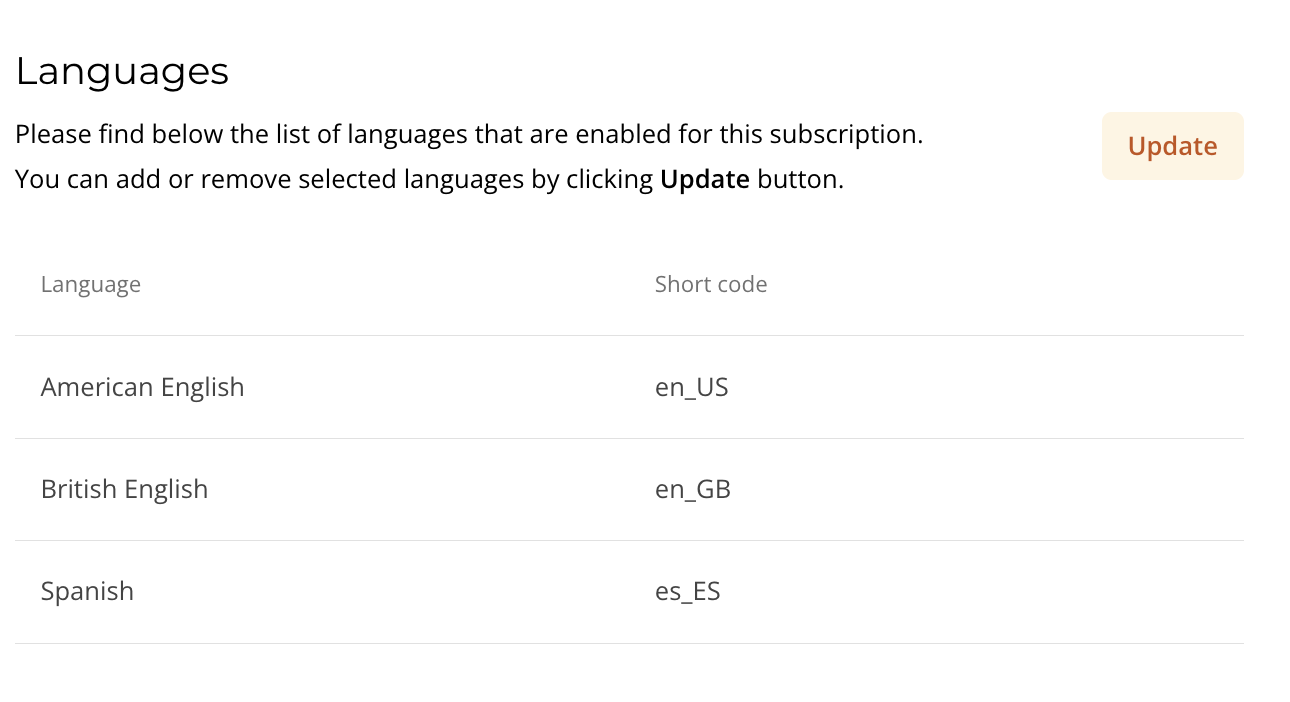
The list of languages available in your subscription is defined during setup. By default, all supported languages are enabled.
To update the list:
1. Go to the **admin panel**.
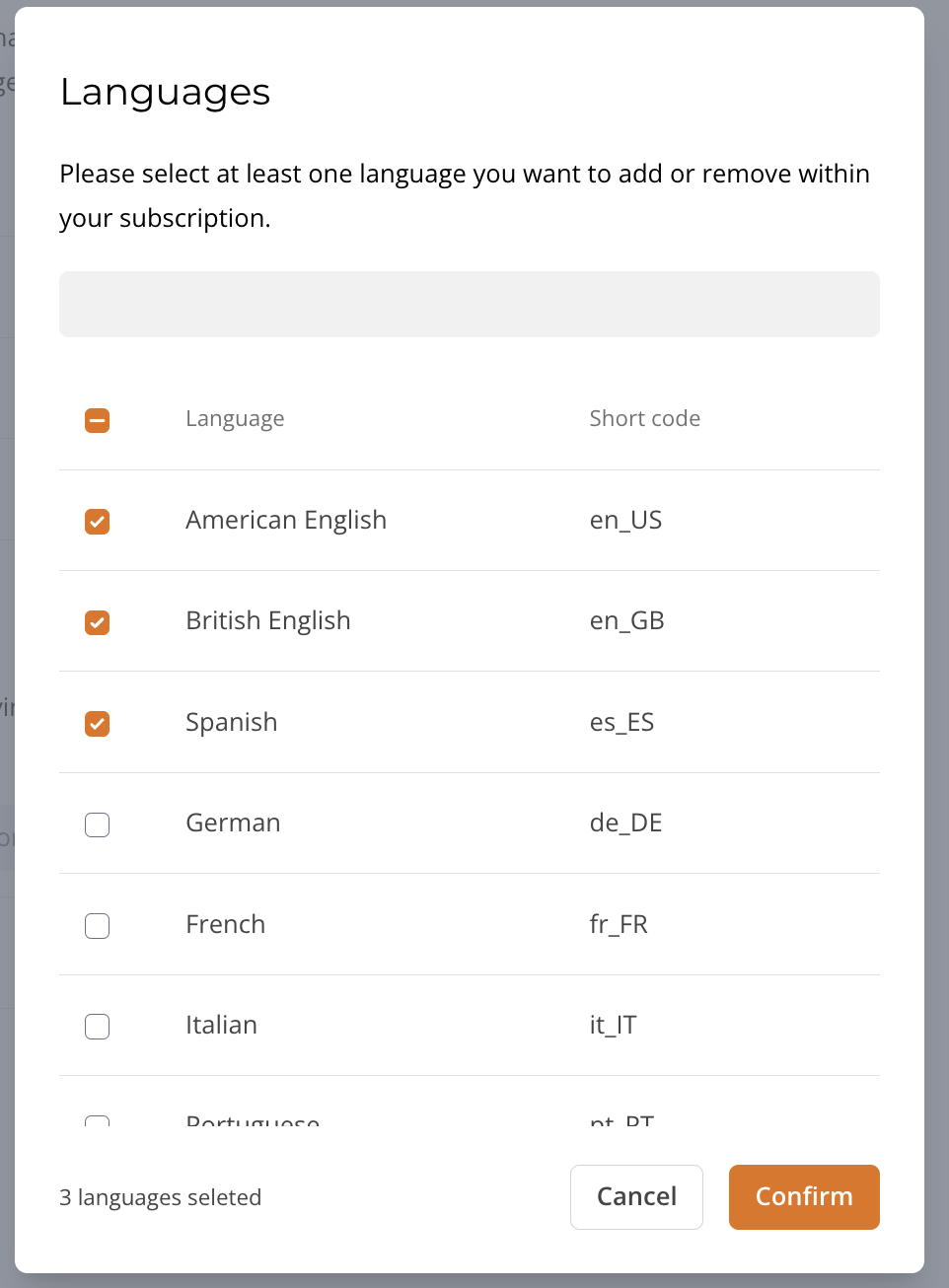
2. Open **Settings** and click **Update**.
3. Select the languages you want to enable or disable. Click **Confirm**.
It may take a few minutes for the changes to apply.
### Where the changes appear
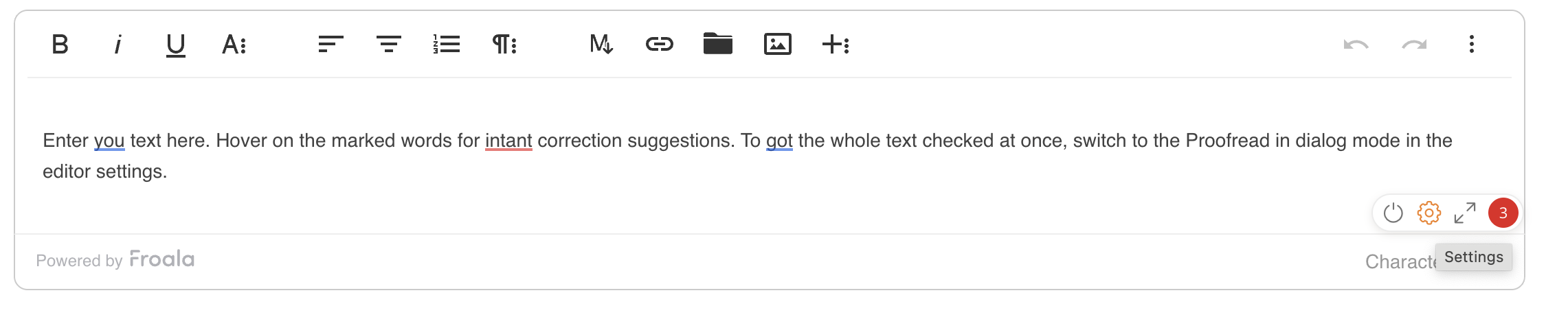
After the update, the selected languages are available in the WProofreader UI for end users.
1. Open the editor where WProofreader is enabled.
2. Click the badge in the bottom-right corner.
3. Open **Settings**.
4. In the **Language** section, select a language. Only enabled languages are shown.

{% hint style="info" %}
In the self-hosted version, the list of languages is configured during installation.
{% endhint %}